
 \n
\n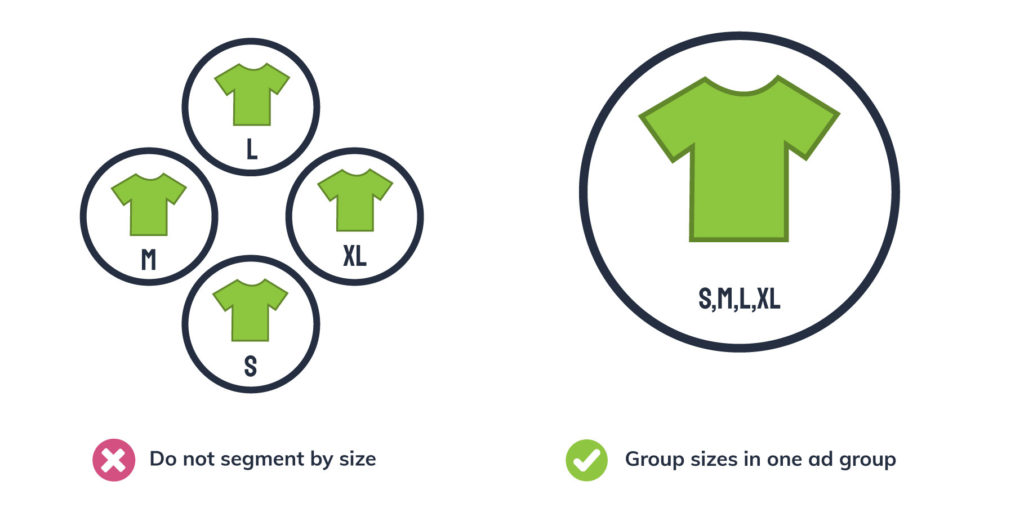 \n\nWhen you sell clothes on Amazon, it’s important to group your products by the style/model: not size. For instance, if you sell a shirt that has multiple sizes, you shouldn’t segment this product into different campaigns or ad groups based on size. Segmenting by size will be far too granular for most retailers.\n\nOn the flip side, you don’t want to put all your products into one ad group either. While having products in one ad group takes less time to set up, you won’t have control over which products are being advertised. If you put all of your products into one ad group, Amazon will choose when and where your products serve.\n\nAdditionally, you won’t be able to limit spend to unprofitable products, or effectively raise bids on products you’d like to advertise more!\n\nLearn more about how to segment your Amazon campaigns here. \n\n\n
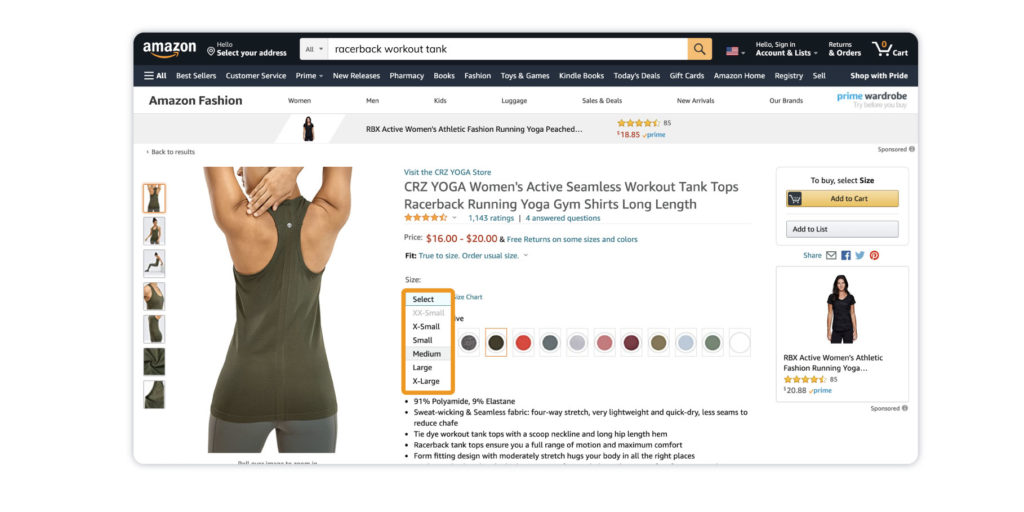 \n\nIf your products have multiple sizes, it’s important to include those sizes in your product listing. This lets shoppers browse all available sizes in one listing. If each color of a t-shirt is listed as a different product, you might miss out on a sale, since shoppers might think the t-shirt you sell is only available in one color.\n\nWhen set up correctly, variants can help buyers compare similar products based on attributes such as size, color, or other characteristics from one product listing. Learn how to add variants to your products here.\n\n\n
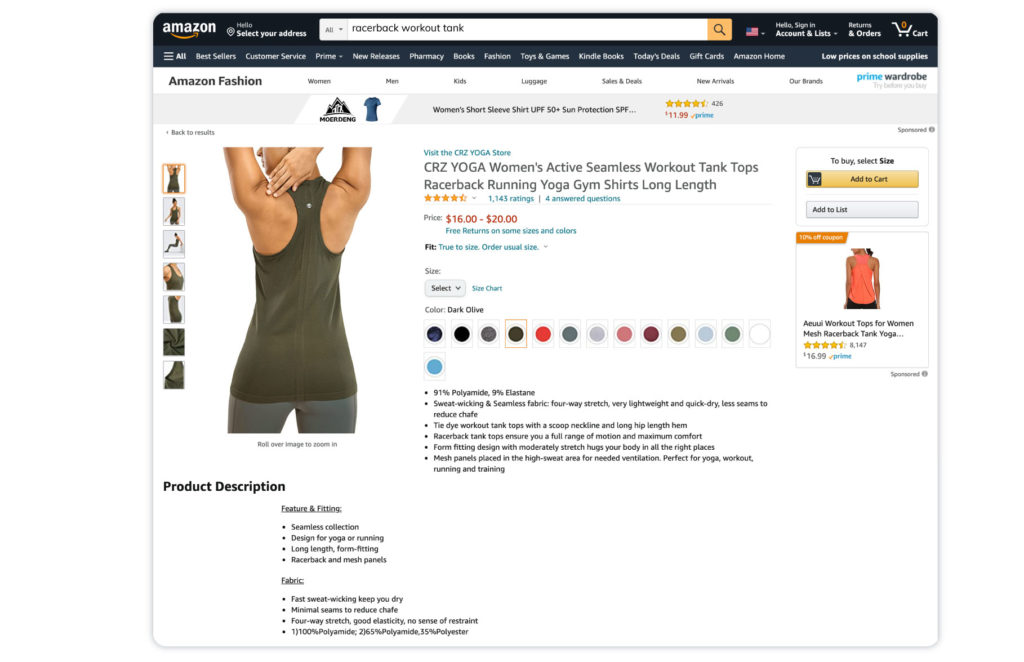 \n\nMake sure to use relevant high-volume keywords in your products titles, descriptions, and bullet points on Amazon. If you’re not sure where to start, take a look at your competitors’ listings. You can use their listing as a benchmark for what your average listing should look like.\n\nAfter you determine which keywords are converting, it’s important to refresh your keywords. We recommend doing this a few months after you first add new keywords, as it can dramatically improve performance. You can find these queries under the search term report.\n\n\n
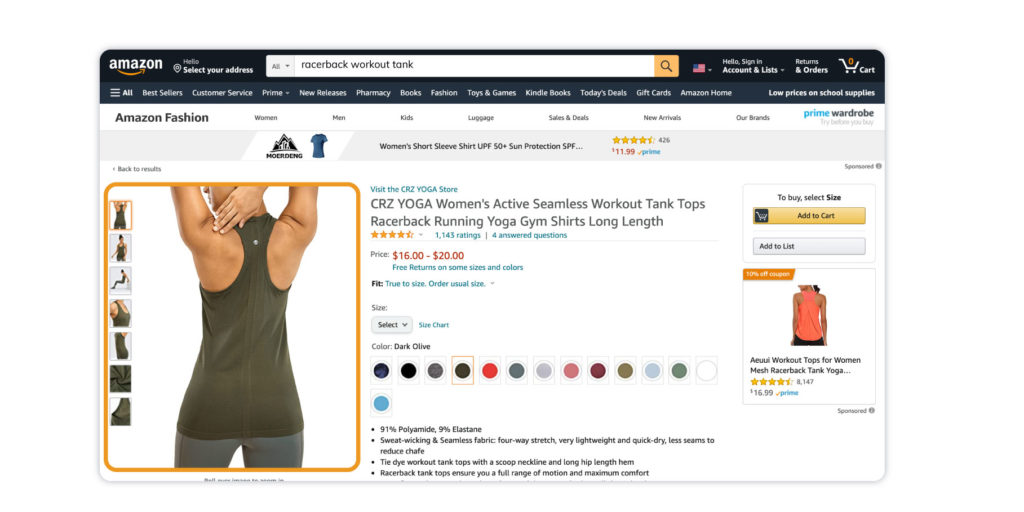 \n\nImages cannot be overstated when you sell clothes on Amazon! You can include up to nine images per listing. Make sure you use as many images as possible—so customers can really get an idea of what your product looks like.\n\nImages can help solidify the quality and credibility of your products also. You can showcase multiple angles, details, and include a sizing image too!\n\nCheck out Amazon’s image guidelines for clothing here. \n\n\n
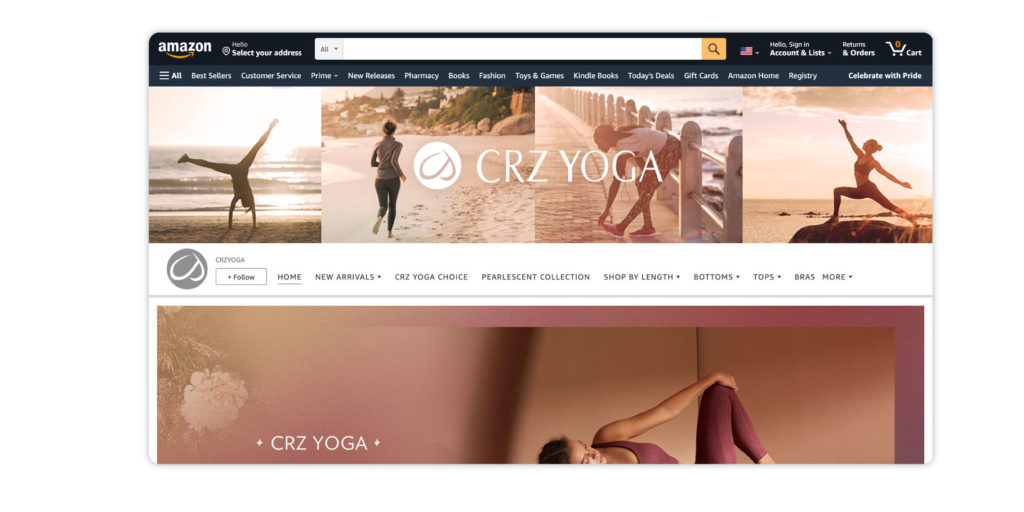 \n\nIf your brand is registered on Amazon, make sure you have an A+ store set up. This typically leads to higher conversion rates. Your store can include valuable information about your brand in the form of copy, images, and videos!\n\nYour customers can access your Amazon store by clicking your logo in Sponsored Brands, clicking your store name in product listings, or by clicking Sponsored Display that are linked to your store. Don’t miss this opportunity to solidify your branding on Amazon and get more eyes on your products.\n\nLearn more about Amazon Stores here. \n\n\n
 \n\nIf you advertise on other platforms such as Google Ads, Google Shopping, or Facebook Ads, you can use data from those platforms for Amazon! Often, keywords that perform well on Google Shopping do well on Amazon and vice versa. You can also pull information about your seasonality, bids, competitors, and more.\n\nOne of the benefits of having an agency that manages multiple programs for you (e.g. Google Ads, Facebook Ads, etc.) is that you can translate data from one source and utilize that information on Amazon by adding in successful keywords or targeting tactics.\n\nAt Omnitail, we help our clients utilize these valuable cross-channel insights to grow their campaigns across the web!\n\nDo you sell on Google Shopping? Check out our infographic: Use Google Shopping Data on Amazon. \n\n\n
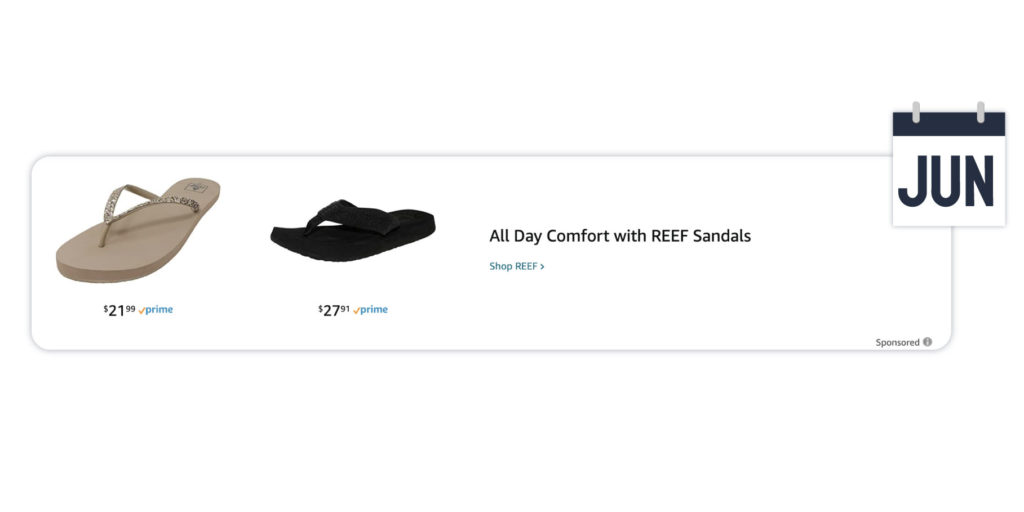 \n\nDo your products experience seasonality?\n\nThe answer is probably yes! Whether you know it or not, most products experience a certain degree of seasonality. Whether it’s a certain season, month, or holiday during the year—look out for when your products are in season!\n\nUnderstanding product seasonality and how to advertise accordingly is very important. For example, you aren't going to sell as many sandals in Winter as you are in Summer. Always keep this in mind when introducing products or what products to advertise.\n\n\n
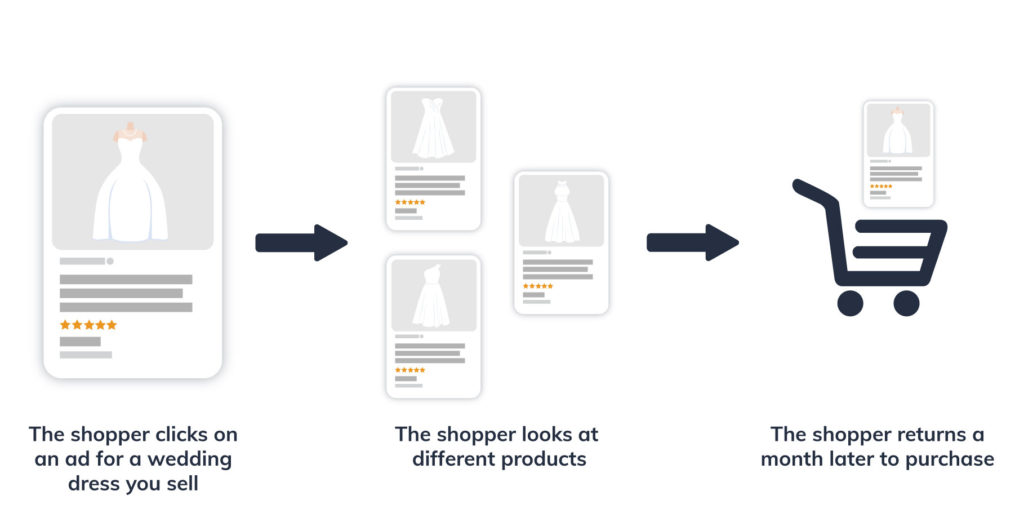 \n\nFinally, get to know Amazon’s attribution models. Certain products have a longer sales cycle than others. Some examples include baby clothes and wedding dresses. Families expecting a baby may look for baby clothes to add to a wishlist, long before those products are actually purchased. Brides may start looking at wedding dresses well in advance of their wedding to get ideas.\n\nIf you sell products that might experience long sales cycles, keep this in mind when reviewing your Amazon sales attribution. If you start to see a trend of high traffic, followed by conversions months later, you may be able to correlate the two.\n\nUnfortunately, Amazon attribution won’t attribute these sales months after the fact. Sponsored Products only have a 7-day attribution window, while Sponsored Brands only have a 14-day window.\n\nLearn all about how to attribute sales in our Amazon Attribution Insider’s Guide. \n\n\n\nIf you want to sell clothes on Amazon, there many ways you can optimize your campaigns.\n\nDon’t feel overwhelmed! Pick a few of these tips and start applying them to your Amazon campaigns today. Even if you only use some of these optimizations, you are sure to see a difference in your Amazon performance.\n\nWant to try all these optimizations, but don’t have the time? That’s what we’re here for! Reach out to speak with an Omnitail analyst today. We will discuss the best way to grow your Amazon business—and talk about your personal business goals.
Connect with an Omnitail analyst and see what profit-driven marketing can do for your business.
Contact Us



 Our Guarantee